
Video Body Swap: Your Face,
Any Body in Motion.
Upload a portrait photo and a video of someone moving — Video Body Swap composites your face onto that person, frame by frame, while the original body motion, choreography, and camera work stay exactly as filmed.
Appear in a dance clip without learning the moves, star in a fitness or performance video from a single selfie, or turn any body-movement footage into personalized social content.
Requires a VidTool AI account and credits. Best with single-person scenes. View plans
Portrait + Video → Your Face on That Body
Two inputs, one output: your likeness from a still photo, the movement from an uploaded clip. The AI tracks the subject, blends your face naturally, and delivers a new video where you perform the original choreography.
- Dance & performance clips
- Fitness & workout footage
- TikTok, Reels & short-form content
1 — Your Portrait
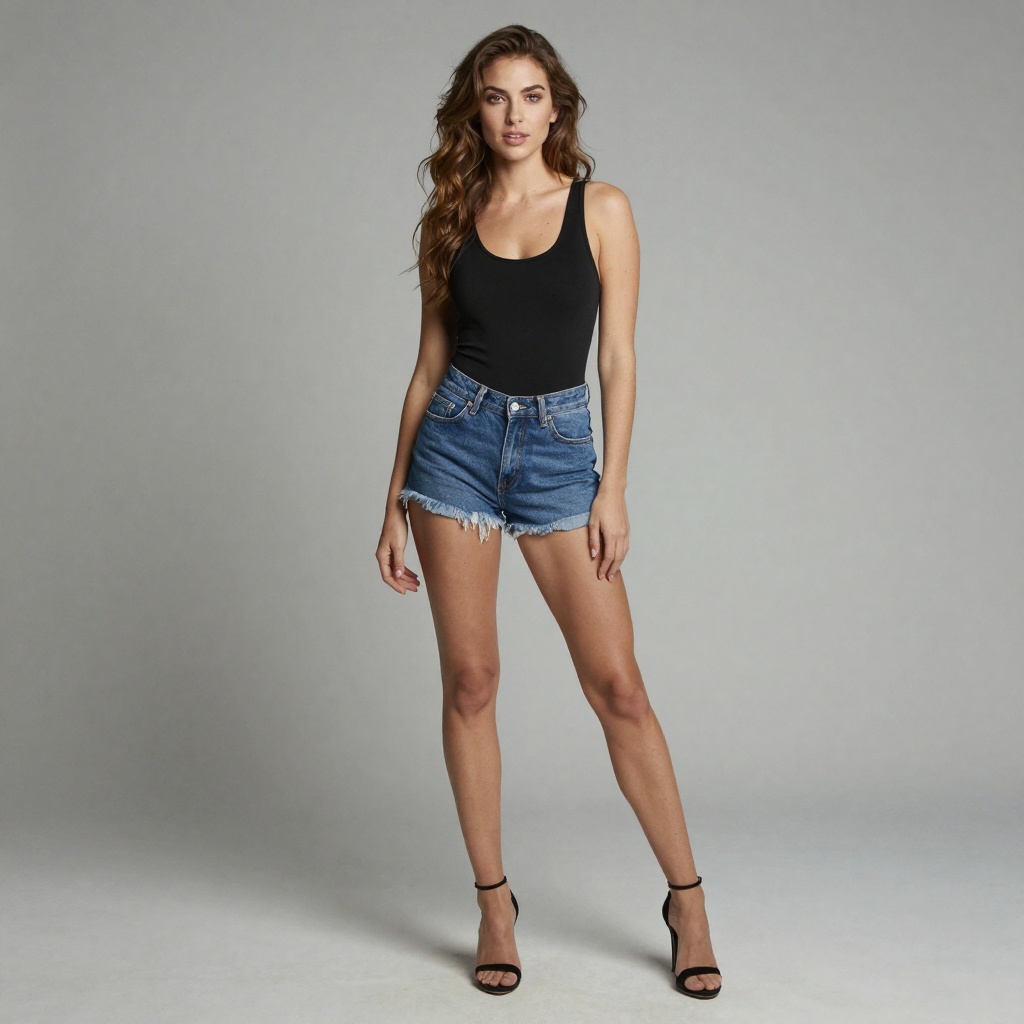
A clear face photo — this is whose likeness appears in the result.
2 — Body Movement Video
The clip to borrow motion from — dance, fitness, acting, or any moving subject.
1 — Your Portrait
2 — Body Movement Video
A clear face photo — this is whose likeness appears in the result.
The clip to borrow motion from — dance, fitness, acting, or any moving subject.
3 — Swapped Result
Your face on the original performer — same moves, same camera, new identity.
What Makes Video Body Swap Different?
Video Body Swap is not full-body replacement from a photo — it takes your face from a portrait and places it onto whoever is moving in your uploaded video. Tracking, perspective mapping, lighting blend, and identity consistency happen automatically across every frame.
The practical effect: one selfie plus any body-movement clip is enough to put yourself in a dance routine, a workout demo, or an acting scene — your face follows the performer's movement naturally while the original choreography stays untouched.
Four Capabilities That Define the Tool
Built for creators who need motion-accurate face compositing without a manual VFX pipeline.
Frame-by-Frame Tracking
The model detects and tracks the subject's face across every frame, mapping your features to match angle and perspective as the subject moves through the scene.
Motion Preservation
Body movement, gestures, and choreography from your target video are preserved. Only the face identity changes — the performance stays the same.
Social-Ready Output
Generate shareable clips for Reels, TikTok, and short-form content — place yourself into dance, fitness, or performance videos in minutes.
Two-Input Workflow
No masking, no manual keyframing, no technical setup. Upload a face image and a body video — the model handles compositing from submission to finished MP4.
Video Body Swap Technical Specifications
The exact parameters available when you run Video Body Swap inside the VidTool AI workspace.
- Required inputs
- Face portrait image + target body video
- Image formats
- JPEG, PNG, WebP
- Video formats
- MP4, MOV, and other common video formats
- Scene requirement
- Single clearly visible subject — multi-person scenes are not supported
- Duration options
- 5s / 10s / 30s / 60s / 120s (selectable in workspace)
- Minimum duration
- 5 seconds per run
- Maximum duration
- 120 seconds per run (longer uploads capped)
- Output
- MP4 video with swapped face composited frame by frame
- Account required
- Yes — sign up is free, then purchase a plan with credits
- Credit cost
- ~3 credits per second of processed video
- Processing
- Asynchronous — submit job, poll until completed, then download
How to Use Video Body Swap
From portrait and video upload to finished swap in four steps.
Upload your face image
Choose a clear, well-lit portrait photo. Front-facing shots with unobstructed facial features give the model the most detail to work with during compositing.
Upload your target body video
Select the clip whose body motion you want to keep — dance routines, fitness demos, talking-head footage, or any scene with a clearly visible subject.
Set the video duration
Pick a duration tier that matches your clip length — from 5 to 120 seconds, then submit when you're ready.
Generate, preview & download
Submit the swap and wait while the model processes frame by frame. When complete, preview the result in the workspace and download your finished MP4.
Frequently Asked Questions about Video Body Swap
Technical questions about AI video body swap, answered plainly.
What is Video Body Swap and how does it work?
What files do I need to upload?
What video durations does VidTool AI support?
What kind of face image produces the best results?
Does the tool preserve the original video's motion?
What is Video Body Swap best used for?
What output format do I get?
How do I run Video Body Swap on VidTool AI?
Last updated: June 24, 2026