GPT Image 2 vs Midjourney
OpenAI's reasoning-driven image generator against Midjourney's style-reference aesthetic engine. Two dominant philosophies for AI image creation — precision and editability versus artistic exploration and style consistency.
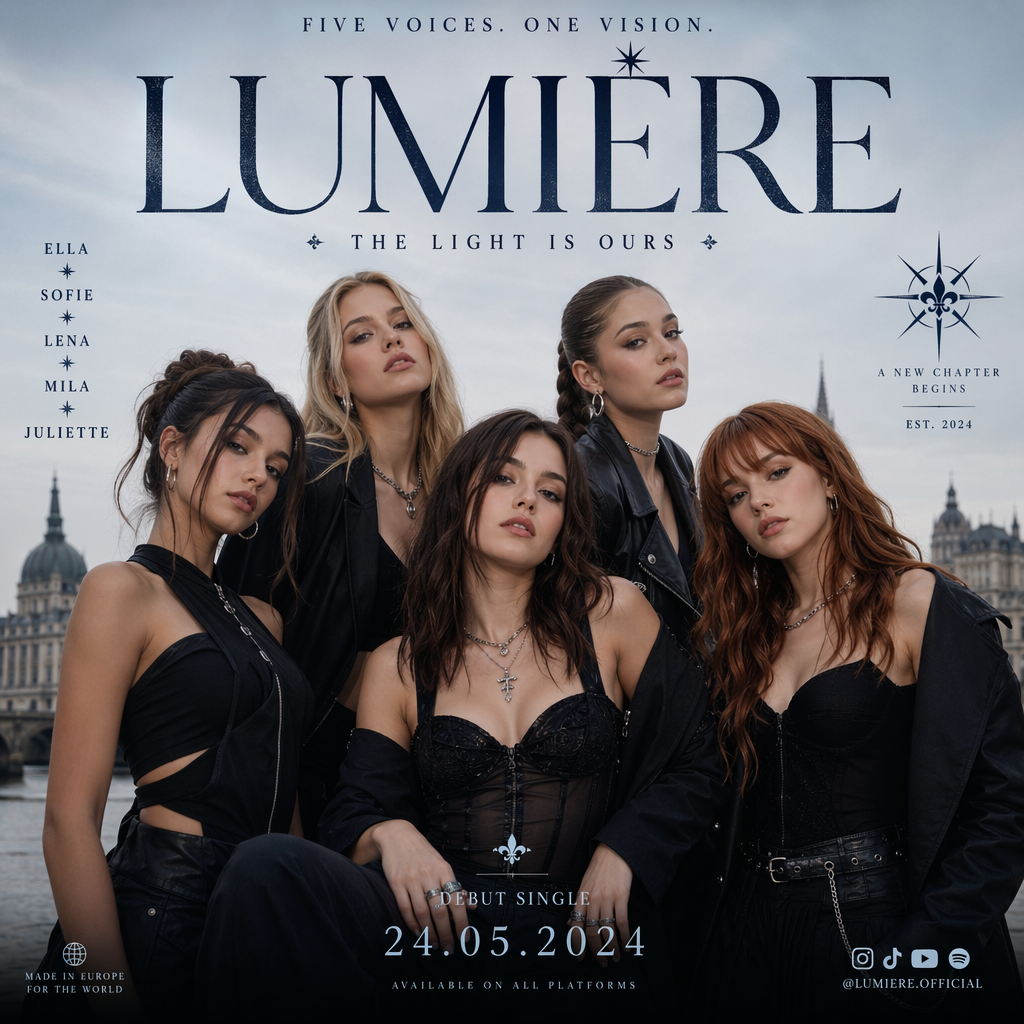
- →You need accurate text rendering inside images (logos, labels, UI mockups).
- →Image editing and inpainting are part of your workflow.
- →You want explicit quality tiers (low, medium, high) and up to 4K output.
- →A reasoning pipeline that interprets complex prompts matters for your use case.
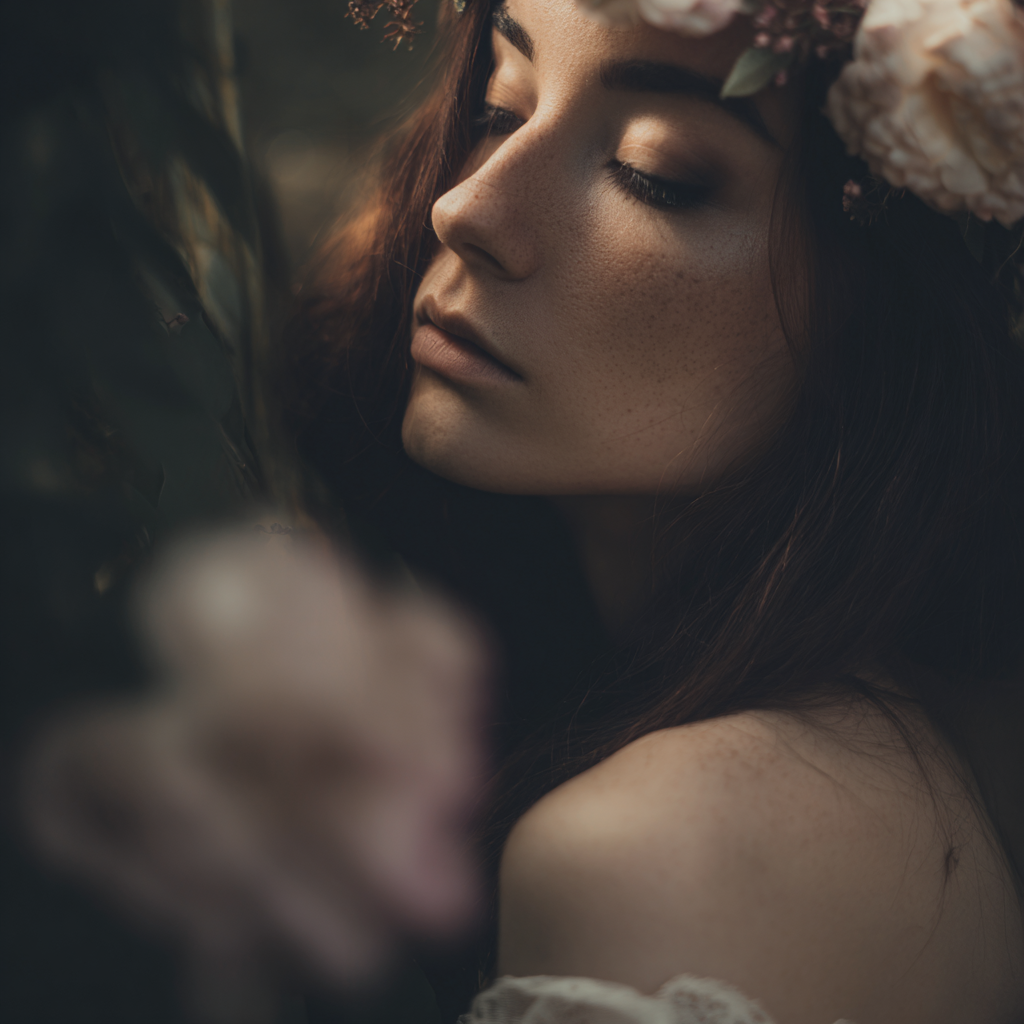
- →Artistic style and aesthetic exploration are your primary goal.
- →Style reference (sref) from an existing image is central to your workflow.
- →You want 4 variations per generation to explore creative directions quickly.
- →Text-to-image simplicity without edit modes suits your process.
Full Specification Comparison
Where Each Model Pulls Ahead
GPT Image 2 Strengths
Text rendering accuracy
Built for legible text inside images — logos, product labels, posters, and UI elements render correctly far more often than aesthetic-first models.
Edit and refine workflow
Upload an existing image and edit it in place. Midjourney on VidTool AI is text-to-image only — GPT Image 2 covers both creation and modification.
Reasoning-driven composition
A reasoning pipeline interprets complex, multi-part prompts and spatial relationships — valuable for infographics, diagrams, and structured layouts.
Midjourney Strengths
Style reference system
Supply one reference image as a style anchor (sref) and Midjourney matches its aesthetic across generations — ideal for brand-consistent visual exploration.
Four variations per run
Every generation produces 4 distinct interpretations, accelerating creative exploration without multiple separate requests.
Artistic aesthetic default
Midjourney biases toward visually striking, gallery-quality output out of the box — less prompt engineering needed for beautiful results.
GPT Image 2 vs Midjourney — FAQ
Common questions about choosing between OpenAI GPT Image 2 and Midjourney for AI image generation.