
GPT Image 2 vs FLUX 2
OpenAI's reasoning-driven image model against FLUX 2's photorealistic generator. Both support text-to-image and edit — choose based on text rendering, resolution control, and photography fidelity.
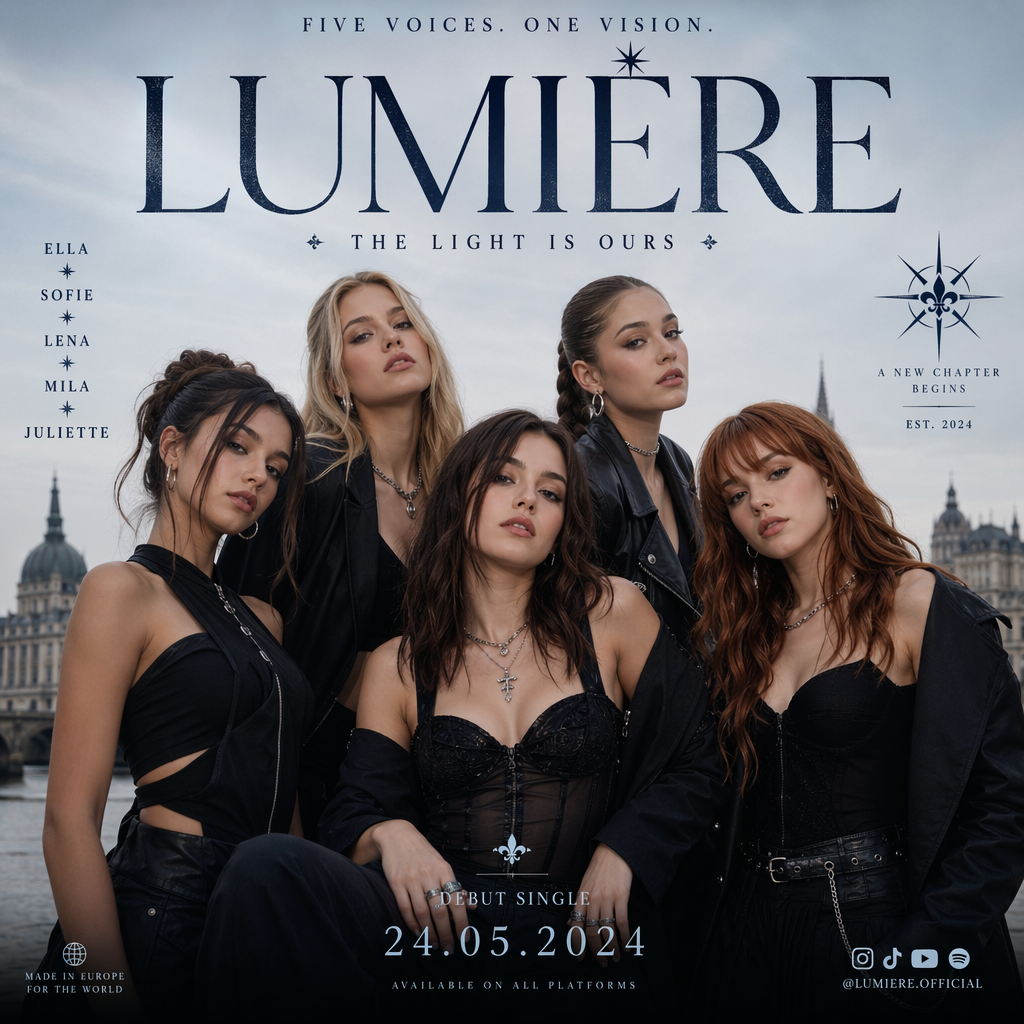
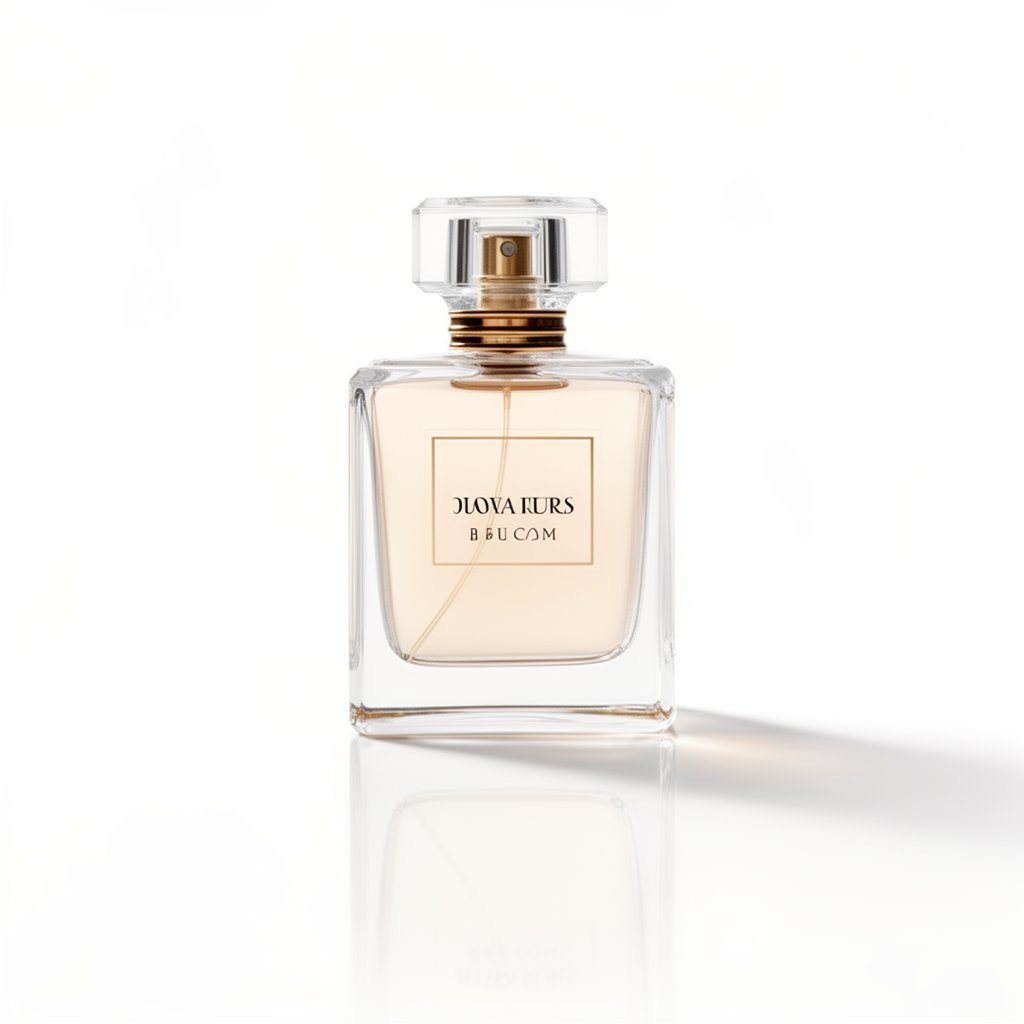
- →Readable text inside images (posters, labels, UI) is critical.
- →You need explicit quality tiers and up to 4K resolution.
- →Complex multi-element prompts benefit from a reasoning pipeline.
- →Infographics, diagrams, and structured layouts are common deliverables.
- →Photorealistic product, portrait, or environment shots are the priority.
- →You want a simpler photography-oriented edit workflow with up to 3 references.
- →Material accuracy and cinematic lighting matter more than typography.
- →Seven classic photo aspect ratios cover your composition needs.
Full Specification Comparison
Where Each Model Pulls Ahead
GPT Image 2 Strengths
Text rendering accuracy
Legible headlines, labels, and multilingual text hold together far more reliably than photography-first models.
Resolution & quality control
Explicit 1K / 2K / 4K and low / medium / high settings let you match cost and fidelity to the deliverable.
Reasoning-driven composition
Complex multi-part prompts and structured layouts benefit from the planning step before pixels are generated.
FLUX 2 Strengths
Photorealistic materials
Skin, fabric, metal, and lighting coherence are tuned for commercial photography and cinematic stills.
Focused edit workflow
Up to 3 reference images with plain-language instructions keep product and scene refinement straightforward.
Photography-native ratios
Seven aspect ratios mapped to optimal pixel dimensions cover most photo and social compositions without over-configuration.
GPT Image 2 vs FLUX 2 — FAQ
Common questions about choosing between GPT Image 2 and FLUX 2.