
FLUX 2 vs Midjourney
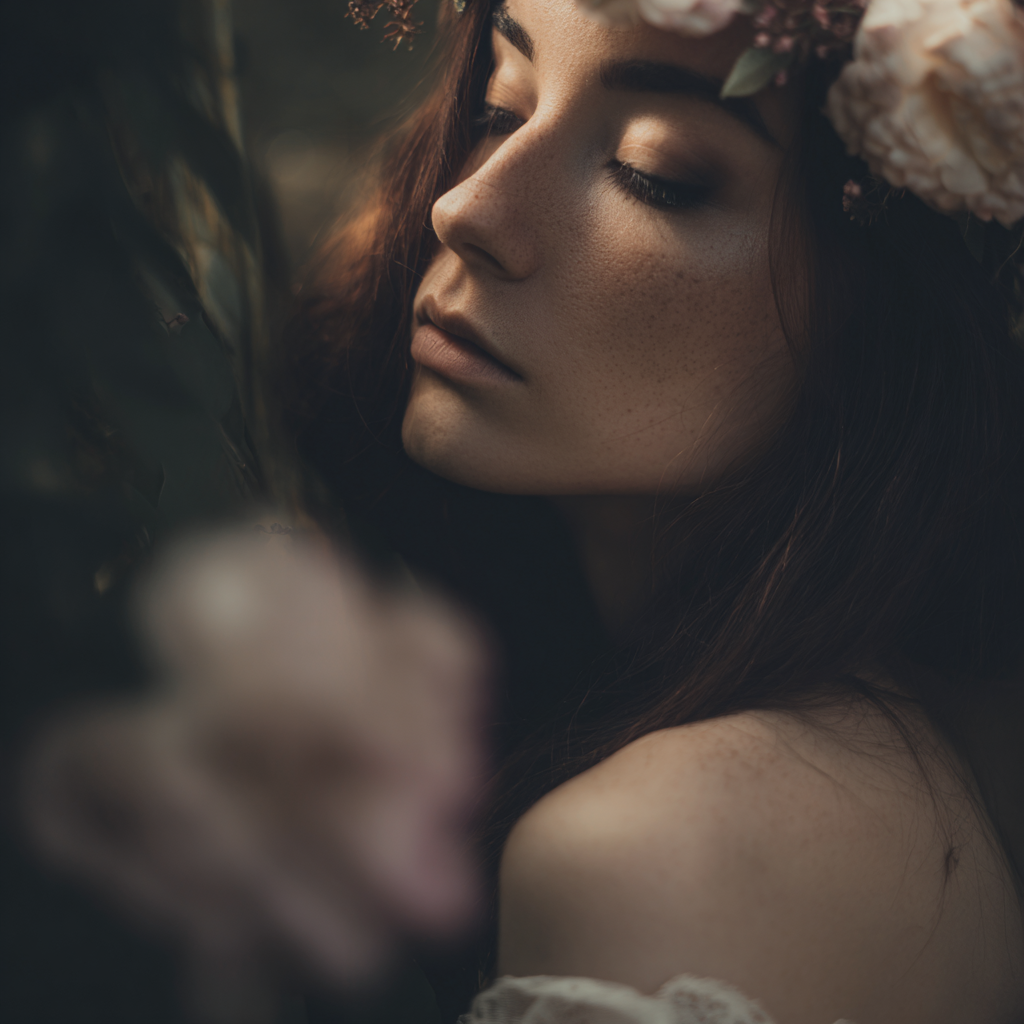
Photorealistic generation and image editing against Midjourney's style-reference aesthetic engine. Two paths to high-end AI images — production photography fidelity versus artistic exploration.

- →Photorealistic product, portrait, or environment shots are the goal.
- →Image editing with 1–3 reference images is part of your workflow.
- →You want automatic text-to-image / edit switching in one engine.
- →Material accuracy and lighting coherence matter more than stylized art.
- →Artistic style exploration is your primary goal.
- →Style reference (sref) from one image drives brand-consistent aesthetics.
- →You want 4 variations per generation to explore directions quickly.
- →Text-to-image simplicity without an edit pipeline suits your process.
Full Specification Comparison
Where Each Model Pulls Ahead
FLUX 2 Strengths
Photorealistic fidelity
Strong detail, lighting, and material rendering for photography-style prompts, product shots, and cinematic stills.
True image edit mode
Upload 1–3 references and describe changes in plain language. Midjourney on VidTool AI is text-to-image with optional sref — not pixel-level editing.
Unified generate + refine
Mode switches automatically based on uploads, so generation and refinement stay in one engine selection.
Midjourney Strengths
Style reference system
One sref image anchors color, texture, and artistic feel across generations — ideal for brand-consistent visual exploration.
Four variations per run
Every generation returns 4 distinct interpretations, accelerating creative exploration without multiple separate requests.
Artistic default aesthetic
Midjourney biases toward visually striking, gallery-quality output with less prompt engineering for beautiful results.
FLUX 2 vs Midjourney — FAQ
Common questions about choosing between FLUX 2 and Midjourney for AI image generation.