Midjourney:
Artistic Images from a Single Prompt.
Midjourney text-to-image turns detailed prompts into cinematic, editorial, and concept-art visuals. Each generation delivers four variations — with optional style reference, HD mode, and flexible aspect ratios built into the VidTool AI workspace.
What Makes Midjourney Different?
Midjourney is known for strong aesthetic interpretation — it does not merely match keywords, it composes images with a distinct visual point of view. Portraits feel editorial, fantasy scenes feel cinematic, and abstract directions still land with coherence.
On VidTool AI, Midjourney runs as pure text-to-image: describe what you want, optionally steer style with a reference image (sref), and receive four variations per run. There is no separate image-edit pipeline — uploads guide aesthetics, not pixel-level inpainting.
Four Capabilities Worth Understanding
Each one makes Midjourney a strong choice for artistic and editorial image exploration.
Artistic Interpretation
Strong default aesthetics for fashion, editorial, fantasy, and cinematic compositions without hand-tuning dozens of parameters.
Style Reference
Upload an optional sref image to guide color, texture, and mood while keeping full text-to-image control over subject and scene.
Format Flexibility
Nine aspect ratios from square to ultra-wide, plus HD mode and quality settings (1 / 4) for sharper output.
Four Variations
Every run returns four images so you can compare directions quickly and iterate on the prompt that best matches your vision.
Midjourney Technical Specifications
The exact parameters available when you run Midjourney inside the VidTool AI workspace.
- Generation mode
- Text-to-image only (no image-to-image edit)
- Aspect ratios
- 1:1, 9:16, 16:9, 4:3, 3:4, 2:3, 3:2, 9:21, 21:9
- Quality
- 1 / 4
- HD mode
- Optional — enable for higher-detail output
- Style reference
- Optional sref upload (1 image max)
- Output per run
- 4 images
- Prompt length
- Up to 1,024 characters
How to Generate Images with Midjourney
From prompt to four variations — with optional style guidance — in four steps.
Write your prompt
Describe scene, subject, lighting, and mood. Midjourney excels at cinematic, editorial, and concept-art directions — be specific about composition and atmosphere.
Add a style reference (optional)
Upload one reference image if you want the output to follow a particular color palette, texture, or visual style. This guides aesthetics, not pixel editing.
Choose aspect ratio, quality & HD
Pick the output format for your channel — square, vertical, or widescreen. Toggle HD and select quality 1 or 4 based on how much detail you need.
Generate & pick your favorite
Each run produces four variations. Review the set, download the best match, and iterate with prompt tweaks.
Generated with Midjourney
Representative visual directions — generate your own in the VidTool AI workspace.
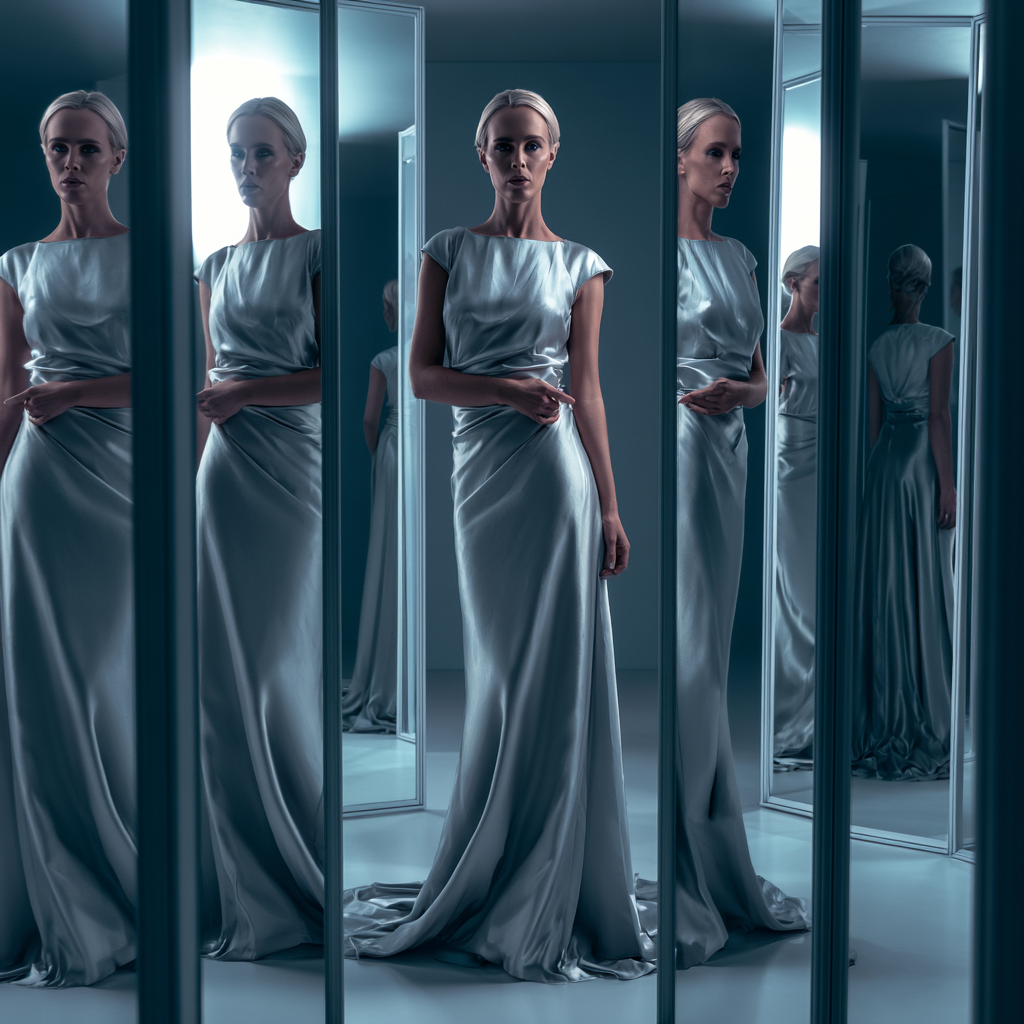
Editorial fashion portrait
Soft studio lighting · luxury editorial · cinematic composition
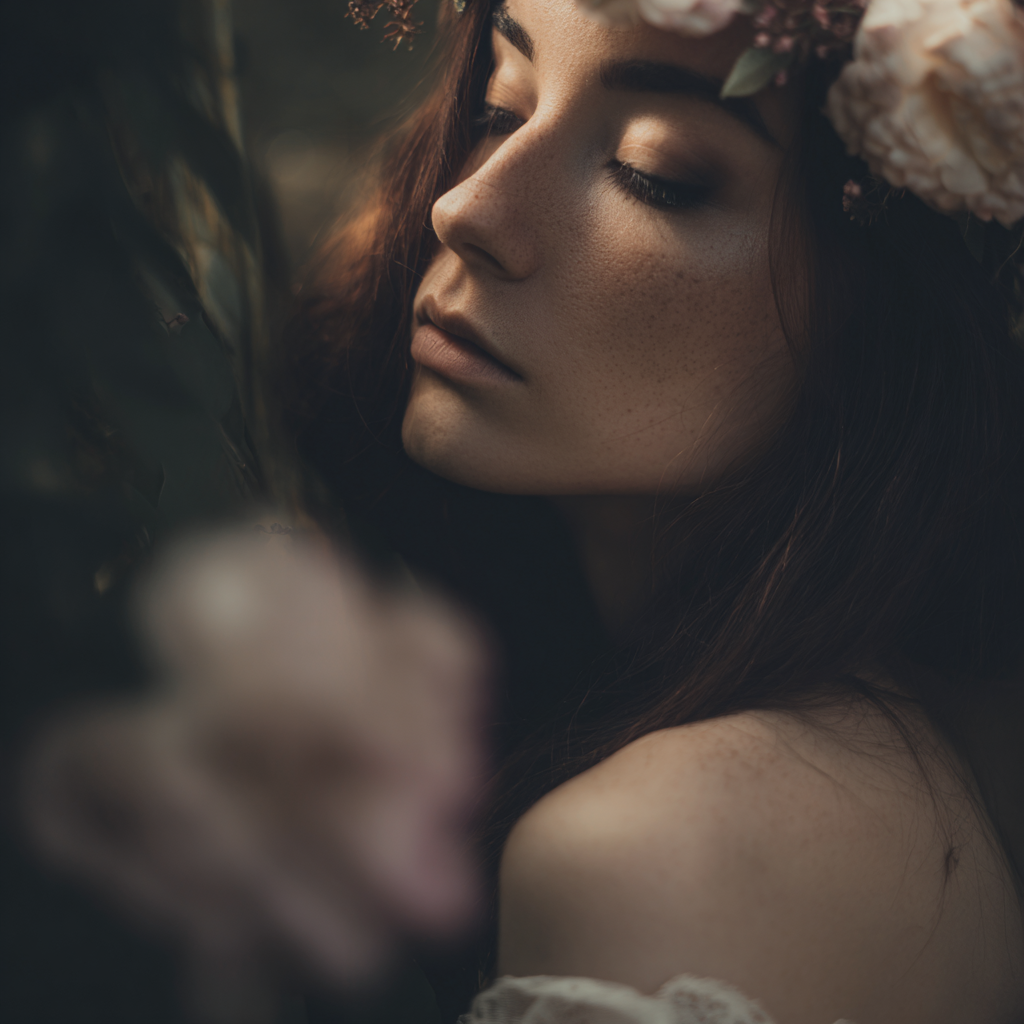
Fantasy concept art
Volumetric lighting · high fantasy · painterly atmosphere
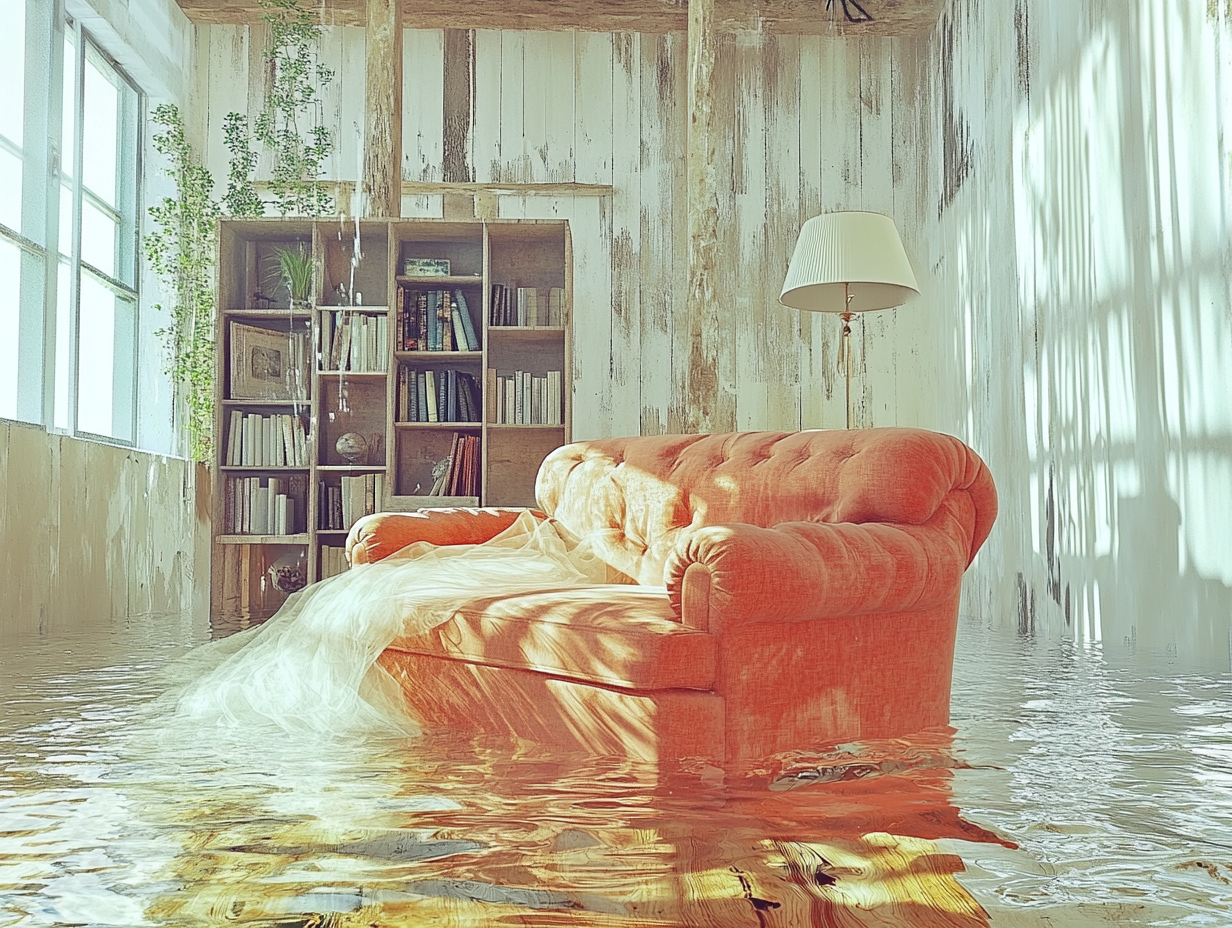
Surreal interior
Dreamlike atmosphere · photorealistic textures · editorial mood
Use Midjourney in These Tools & Comparisons
AI Image Generator
Use Midjourney alongside GPT Image 2, FLUX 2, and Nano Banana in a unified image generation workspace.
Image to Image
Edit existing images with AI — transform, restyle, and modify using models with edit mode.
GPT Image 2 vs Midjourney
Side-by-side comparison of text rendering, photorealism, and artistic styles.
FLUX 2 vs Midjourney
Compare photoreal materials and speed against Midjourney's artistic aesthetic.
Midjourney Alternatives
Explore alternative image models when you need text rendering, editing, or video in one plan.
Frequently Asked Questions about Midjourney
Technical questions about Midjourney text-to-image, answered plainly.