What Makes Nano Banana 2 Different?
Nano Banana 2 is the latest generation in Google's Nano Banana image line — adding ultra-tall and ultra-wide aspect ratios alongside a 0.5K draft tier for rapid exploration. It keeps the same automatic mode switching: no uploads means text-to-image, references mean edit.
The expanded ratio set — including 1:4, 4:1, 1:8, and 8:1 — makes Nano Banana 2 practical for banners, vertical stories, cinematic frames, and narrow ad slots without cropping. Scale resolution up when a draft direction proves worth finishing.
Four Capabilities Worth Understanding
Each one expands what you can produce without leaving the VidTool AI workspace.
14 Aspect Ratios
Including ultra-wide and ultra-tall formats beyond the standard set — 1:1, 3:2, 2:3, 3:4, 4:3, 4:5, 5:4, 9:16, 16:9, 21:9, 1:4, 4:1, 1:8, 8:1.
0.5K to 4K
Resolution tiers from 0.5K through 1K through 2K through 4K — draft fast, deliver sharp.
Text + Edit
Pure text-to-image with no uploads, or edit mode with up to 14 reference images and a plain-language instruction.
Draft-to-Final Workflow
Iterate at 0.5K or 1K for speed, then regenerate the winning prompt at 2K or 4K for production output.
Nano Banana 2 Technical Specifications
The exact parameters available when you run Nano Banana 2 inside the VidTool AI workspace.
- Modes
- Text-to-image / edit (auto-switch by upload)
- Resolutions
- 0.5K / 1K / 2K / 4K
- Aspect ratios
- 1:1, 3:2, 2:3, 3:4, 4:3, 4:5, 5:4, 9:16, 16:9, 21:9, 1:4, 4:1, 1:8, 8:1
- Reference images (edit)
- Up to 14 images
- Output formats
- png / jpeg
- Provider
How to Generate Images with Nano Banana 2
From quick drafts to high-resolution finals in four steps.
Choose your mode
Text-to-image for new creations, or upload references to edit an existing visual — mode switches automatically.
Configure output
Select resolution and aspect ratio for your target platform — use 0.5K for fast exploration, 4K for final delivery.
Write a detailed prompt
Describe composition, style, and content. For edits, specify exactly what should change while preserving the rest.
Iterate & export
Review output, adjust prompt or resolution, and download when the result matches your vision.
Generated with Nano Banana 2
Representative visual directions — generate your own in the VidTool AI workspace.
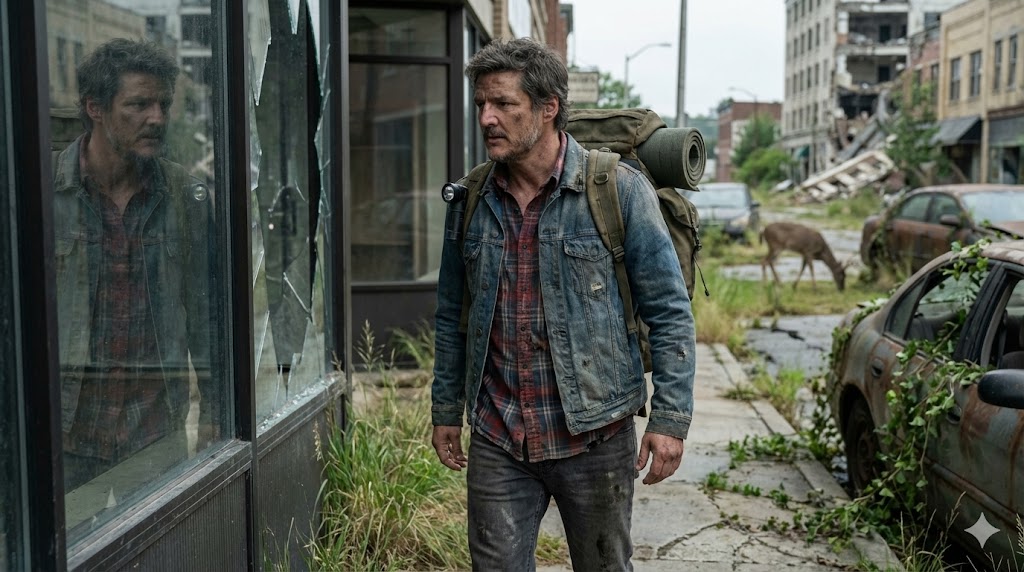
Cinematic widescreen
21:9 composition · atmospheric depth · film still direction
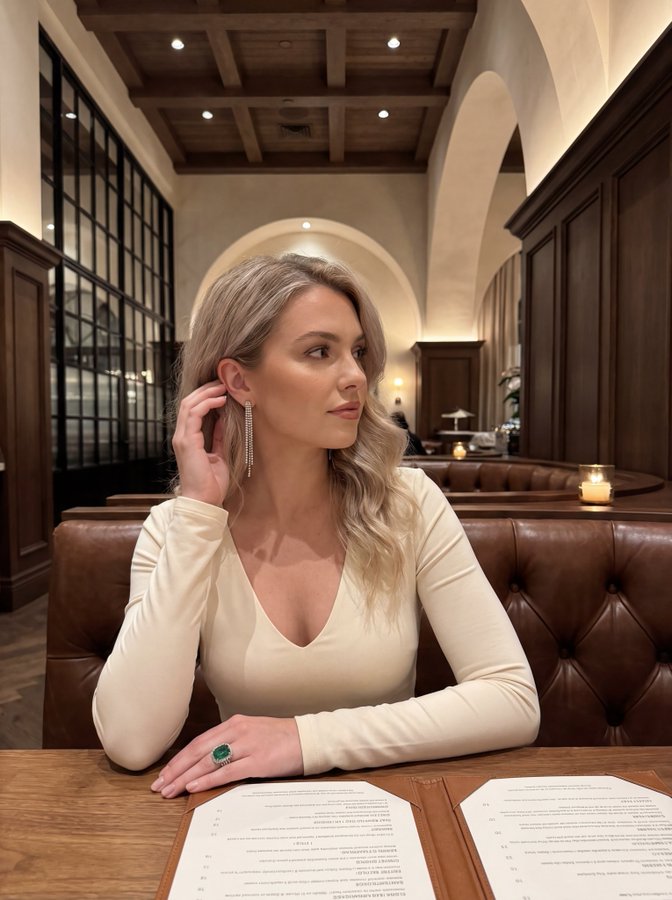
Vertical story format
9:16 layout · mobile-first framing · social-ready crop
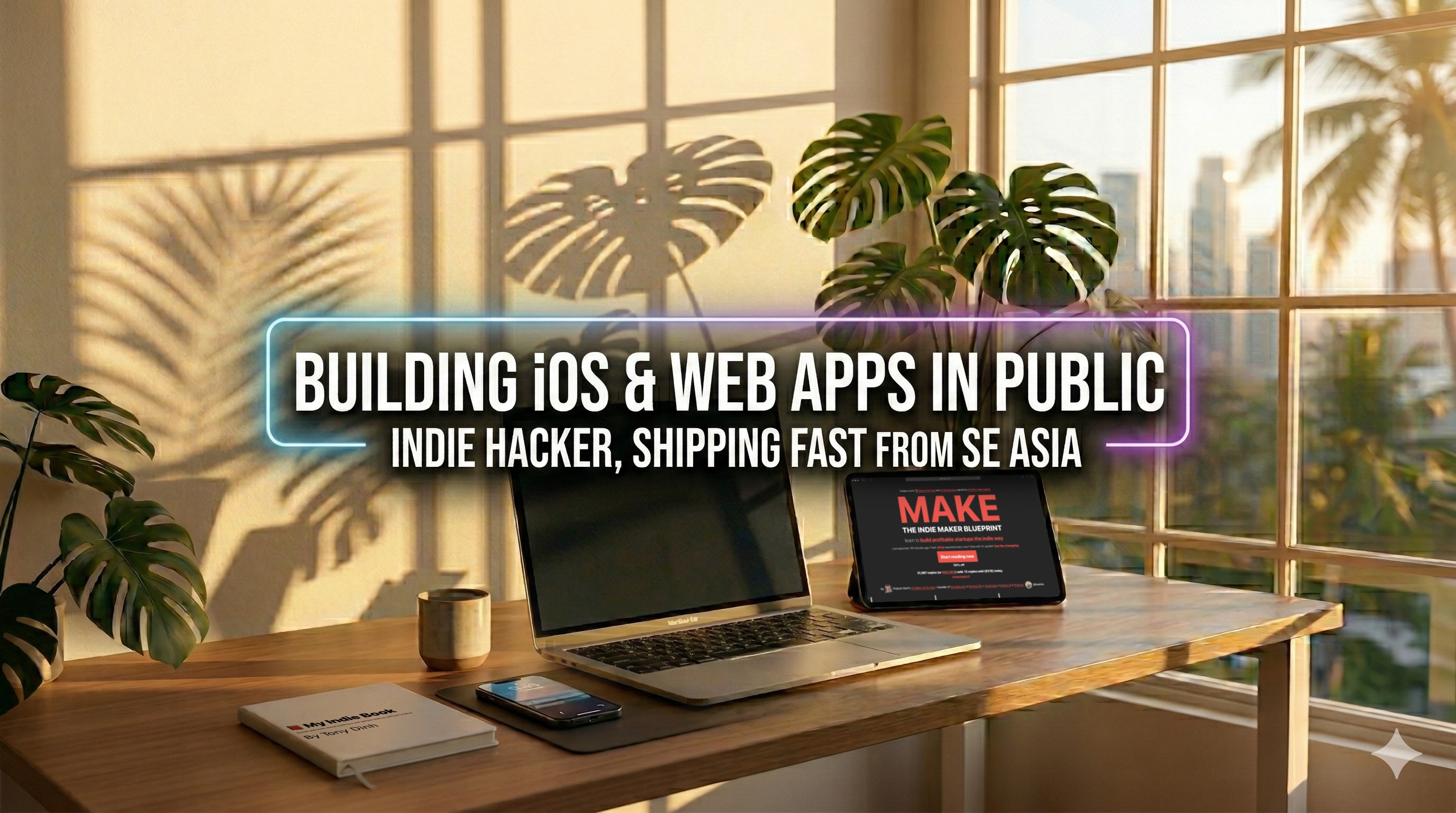
Ultra-wide banner
4:1 aspect · header graphics · campaign-ready layout
Frequently Asked Questions about Nano Banana 2
Technical questions about Nano Banana 2, answered plainly.