What Makes Nano Banana Different?
Nano Banana is Google's fast text-to-image model — officially known as Gemini 2.5 Flash Image — designed for creators who need quick iteration without sacrificing visual coherence. It handles everyday creative work: social posts, concept sketches, product mockups, and prompt exploration at low latency.
On VidTool AI, Nano Banana automatically routes to text-to-image when no images are uploaded, and to edit when you attach references. You do not choose endpoints manually — upload state drives the mode, so one engine covers both generate and refine workflows.
Four Capabilities Worth Understanding
Each one makes Nano Banana practical for daily creative production inside a unified workspace.
Fast Generation
Optimized for quick turnaround when testing prompts, exploring visual directions, or producing social-ready assets without long queue times.
Text + Edit Modes
Generate from scratch with text-to-image, or upload reference images and describe edits in plain language — the workspace switches endpoints automatically.
Ten Aspect Ratios
Choose from 1:1, 3:2, 2:3, 3:4, 4:3, 4:5, 5:4, 9:16, 16:9, 21:9 to match feeds, ads, thumbnails, and presentation layouts.
PNG or JPEG
Export as png or jpeg — PNG for lossless quality, JPEG when file size and transfer speed matter.
Nano Banana Technical Specifications
The exact parameters available when you run Nano Banana inside the VidTool AI workspace.
- Modes
- Text-to-image / edit (auto-switch by upload)
- Aspect ratios
- 1:1, 3:2, 2:3, 3:4, 4:3, 4:5, 5:4, 9:16, 16:9, 21:9
- Output formats
- png / jpeg
- Reference images (edit)
- Up to 10 images
- Provider
How to Generate Images with Nano Banana
From prompt to finished image — or from existing image to refined output — in four steps.
Choose your mode
Start with text-to-image for a fresh generation, or upload one or more reference images to enter edit mode automatically.
Write a detailed prompt
Describe subject, setting, lighting, and mood. For edit mode, explain what should change — background swap, style shift, object replacement, or lighting adjustment.
Select aspect ratio
Pick the output format that matches your channel — square for posts, 9:16 for stories, 16:9 for widescreen thumbnails.
Generate & export
Submit the job, review the output in the preview panel, and download when generation completes.
Generated with Nano Banana
Representative visual directions — generate your own in the VidTool AI workspace.
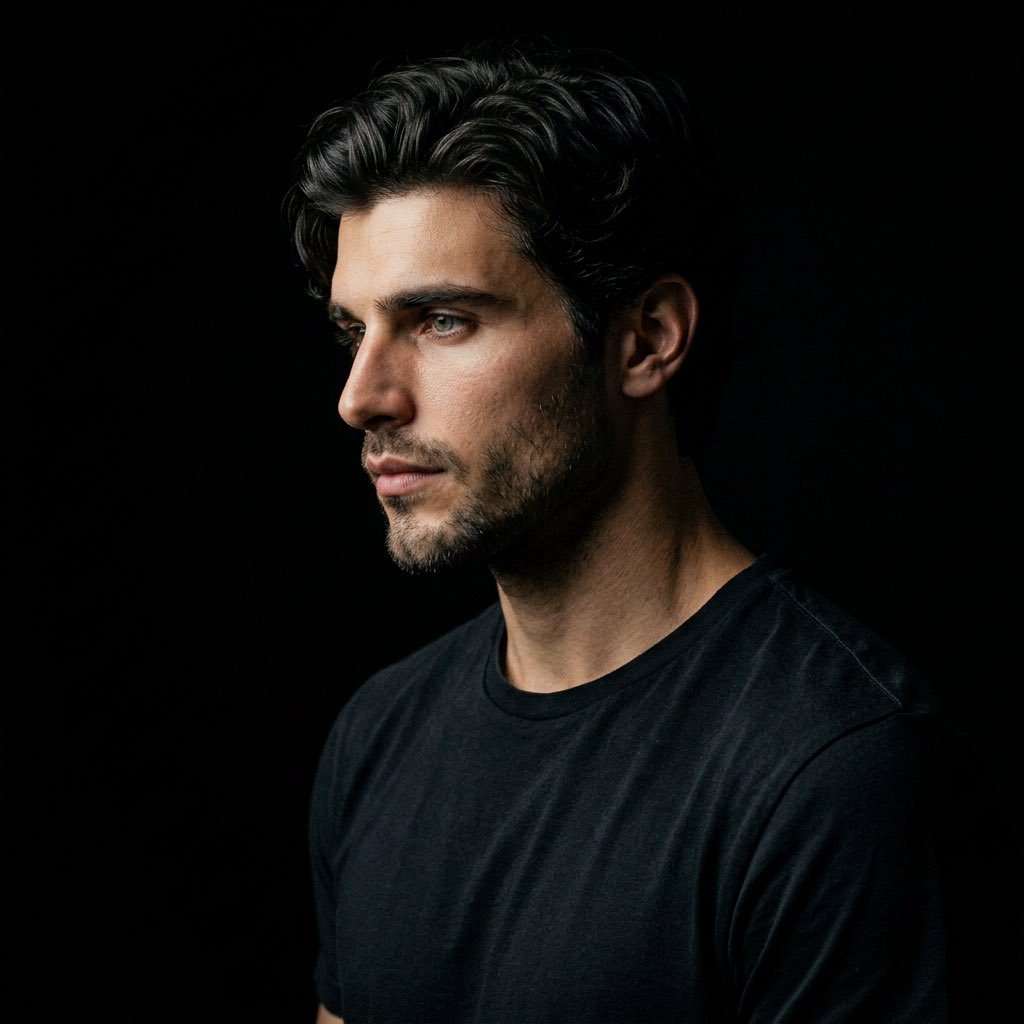
Editorial portrait
Soft studio lighting · fashion direction · photorealistic skin texture
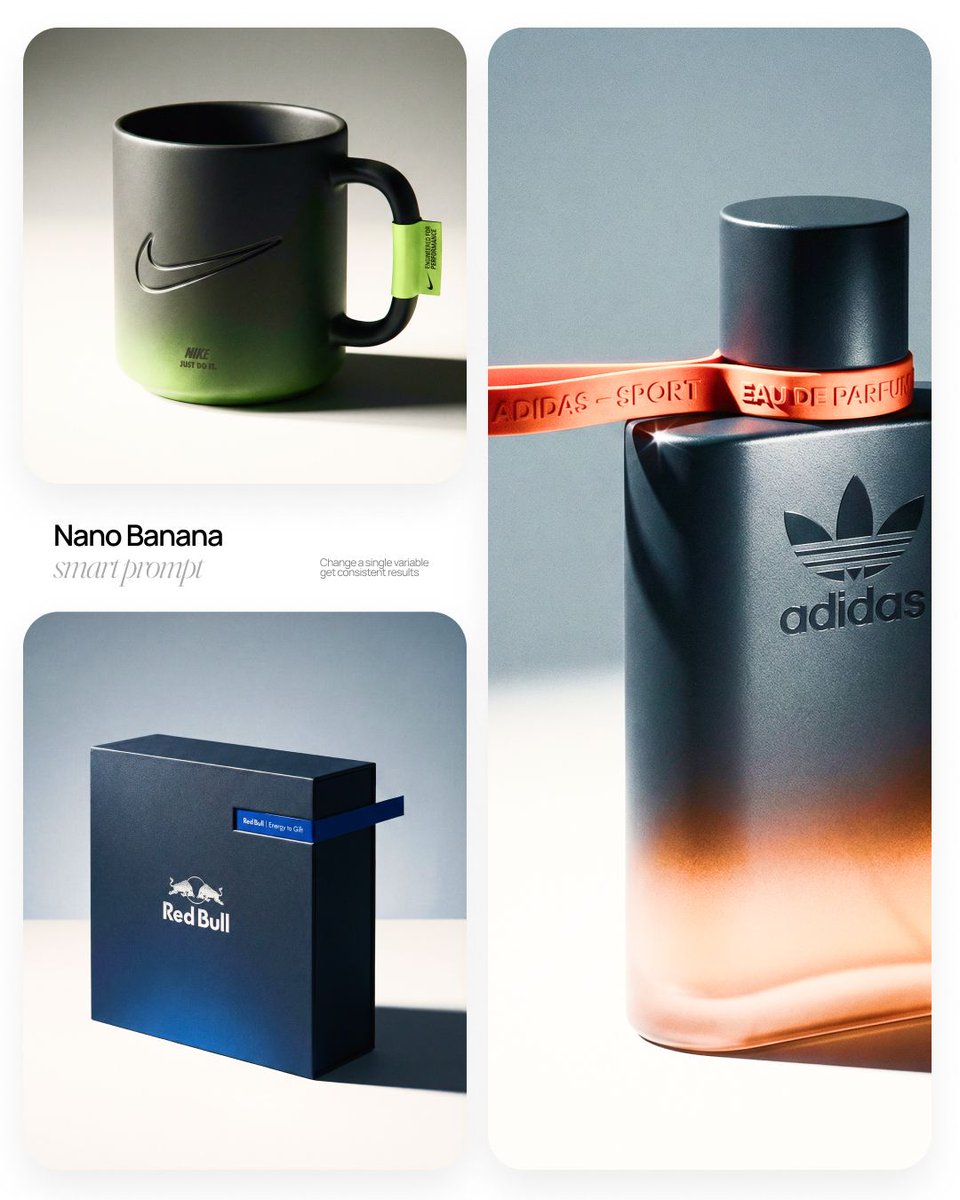
Product still life
Clean composition · accurate materials · commercial photography style
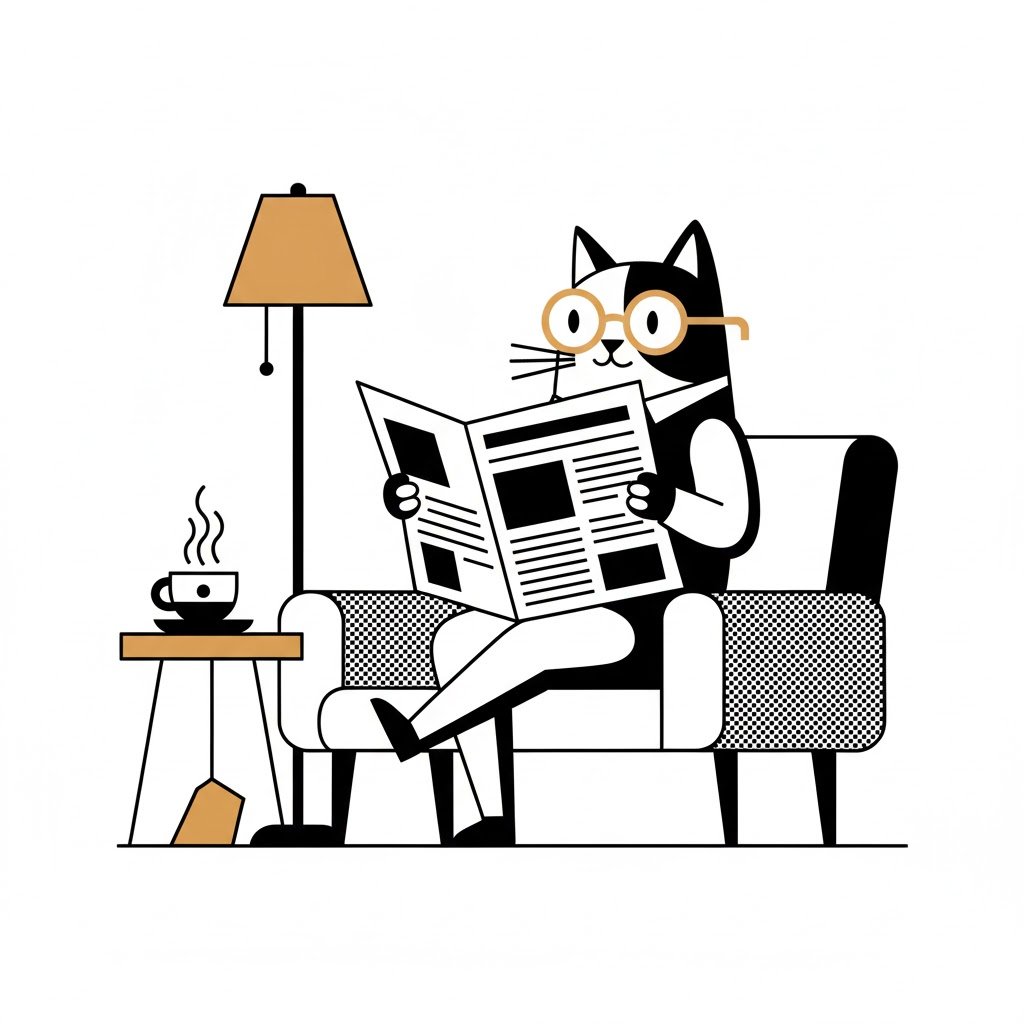
Stylized illustration
Bold color · consistent style · prompt-driven art direction
Frequently Asked Questions about Nano Banana
Technical questions about Google Nano Banana, answered plainly.