GPT Image 2 vs Nano Banana Pro
OpenAI's reasoning image model against Google's production Nano Banana Pro tier. Both target readable text and high-resolution output — with different quality controls and edit reference limits.
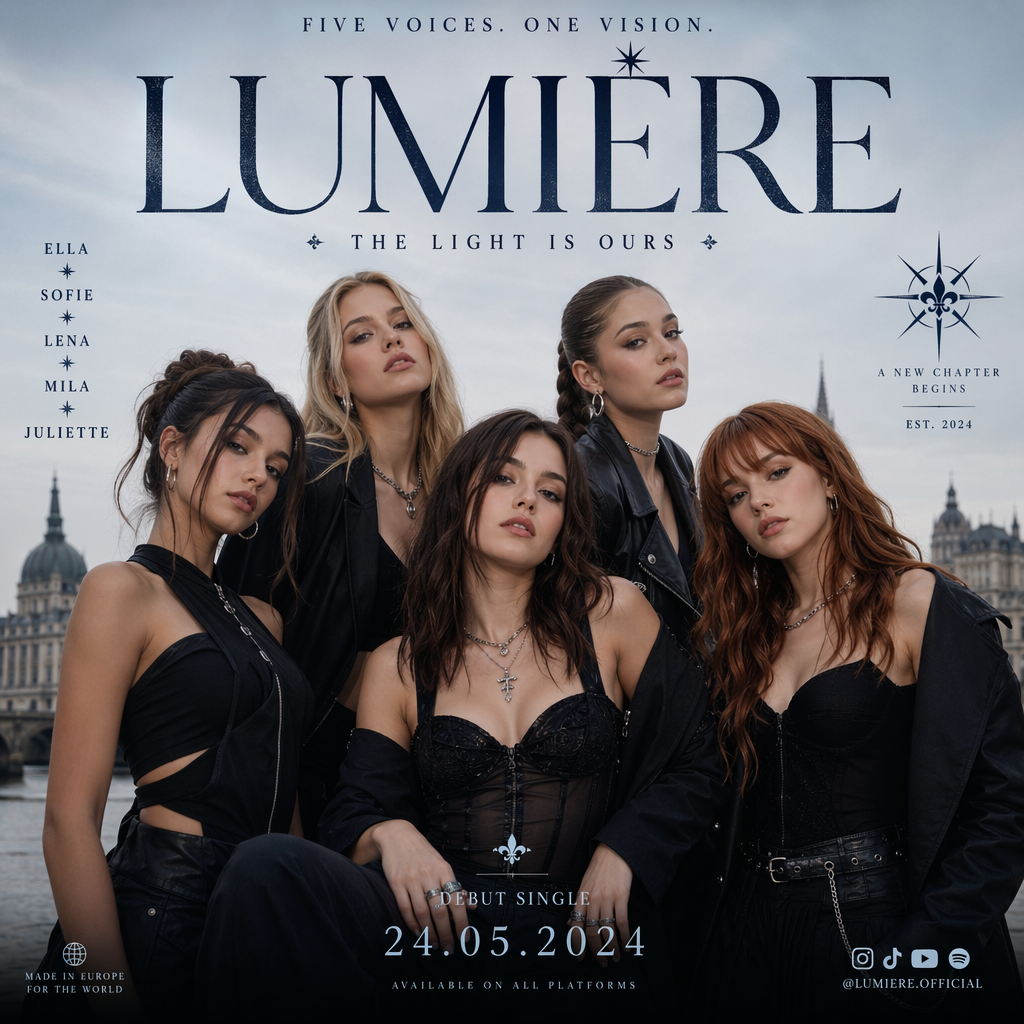
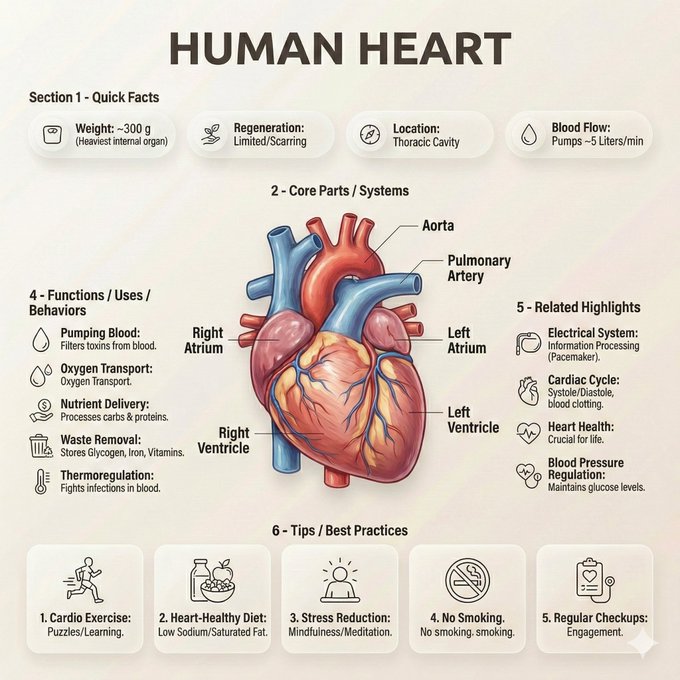
- →You want explicit low / medium / high quality tiers alongside 1K–4K resolution.
- →A reasoning pipeline for complex multi-element prompts is important.
- →OpenAI-style instruction following is already part of your creative stack.
- →You need the broadest GPT Image 2 aspect-ratio set including 21:9.
- →You want up to 14 reference images in edit mode.
- →Google Nano Banana family continuity (base → Pro) fits your workflow.
- →PNG or JPEG output format choice matters for delivery.
- →You prefer a focused Pro tier optimized for text rendering and world knowledge.
Full Specification Comparison
Where Each Model Pulls Ahead
GPT Image 2 Strengths
Quality × resolution matrix
Independent quality and resolution controls let you fine-tune cost and fidelity beyond a single resolution ladder.
Reasoning before pixels
Complex layouts, multi-subject scenes, and instruction-heavy prompts benefit from the planning step.
Structured composition
Especially strong on posters, diagrams, and text-forward marketing assets that need precise arrangement.
Nano Banana Pro Strengths
High edit reference capacity
Up to 14 reference images give more room for multi-asset brand edits than typical single-image workflows.
Google family continuity
Move from fast Nano Banana drafts to Pro finals without leaving the same model family mental model.
Output format choice
PNG or JPEG export options help match quality versus file-size needs for delivery.
GPT Image 2 vs Nano Banana Pro — FAQ
Common questions about choosing between GPT Image 2 and Nano Banana Pro.