
FLUX 2:
Photorealistic Images from Text.
FLUX 2 delivers high-quality text-to-image generation and image-to-image editing in one engine. Upload up to three reference images to refine compositions, swap elements, or restyle scenes — with aspect ratios mapped to optimal output dimensions automatically.
What Makes FLUX 2 Different?
FLUX 2 is a high-fidelity image model tuned for photorealistic output, strong prompt adherence, and flexible composition control. It handles product visuals, portraits, environments, and cinematic stills where material accuracy and lighting coherence matter.
VidTool AI maps your aspect ratio selection to the correct pixel dimensions for the FLUX 2 API and switches between text-to-image and edit based on uploads. One engine dropdown entry covers both workflows — no manual endpoint selection required.
Four Capabilities Worth Understanding
Each one makes FLUX 2 reliable for production image work inside VidTool AI.
Photorealistic Output
Strong detail, lighting, and material rendering for photography-style prompts, product shots, and cinematic compositions.
Image Edit
Upload 1–3 reference images and describe changes in plain language — background replacement, style transfer, object edits, and compositional adjustments.
Seven Aspect Ratios
Supported ratios: 1:1, 16:9, 9:16, 4:3, 3:4, 3:2, 2:3 — each mapped to optimal output dimensions.
Unified Workflow
Automatic mode switching between text-to-image and edit keeps generation and refinement in a single engine selection.
FLUX 2 Technical Specifications
The exact parameters available when you run FLUX 2 inside the VidTool AI workspace.
- Modes
- Text-to-image / edit (auto-switch by upload)
- Aspect ratios
- 1:1, 16:9, 9:16, 4:3, 3:4, 3:2, 2:3
- Reference images (edit)
- Up to 3 images
- Output format
- PNG
- Provider
- FLUX 2
How to Generate Images with FLUX 2
From photorealistic generation to guided image editing in four steps.
Choose your mode
Text-to-image for new scenes and subjects, or upload 1–3 images to enter edit mode with a plain-language instruction.
Write a detailed prompt
Specify lighting, materials, camera angle, and atmosphere. FLUX 2 responds well to cinematic and photography-style direction.
Select aspect ratio
Pick the composition format — square, portrait, landscape, or classic photo ratios — mapped to optimal pixel dimensions.
Refine & export
Download the result or run follow-up edits on the same visual until the output matches your brief.
Generated with FLUX 2
Representative visual directions — generate your own in the VidTool AI workspace.
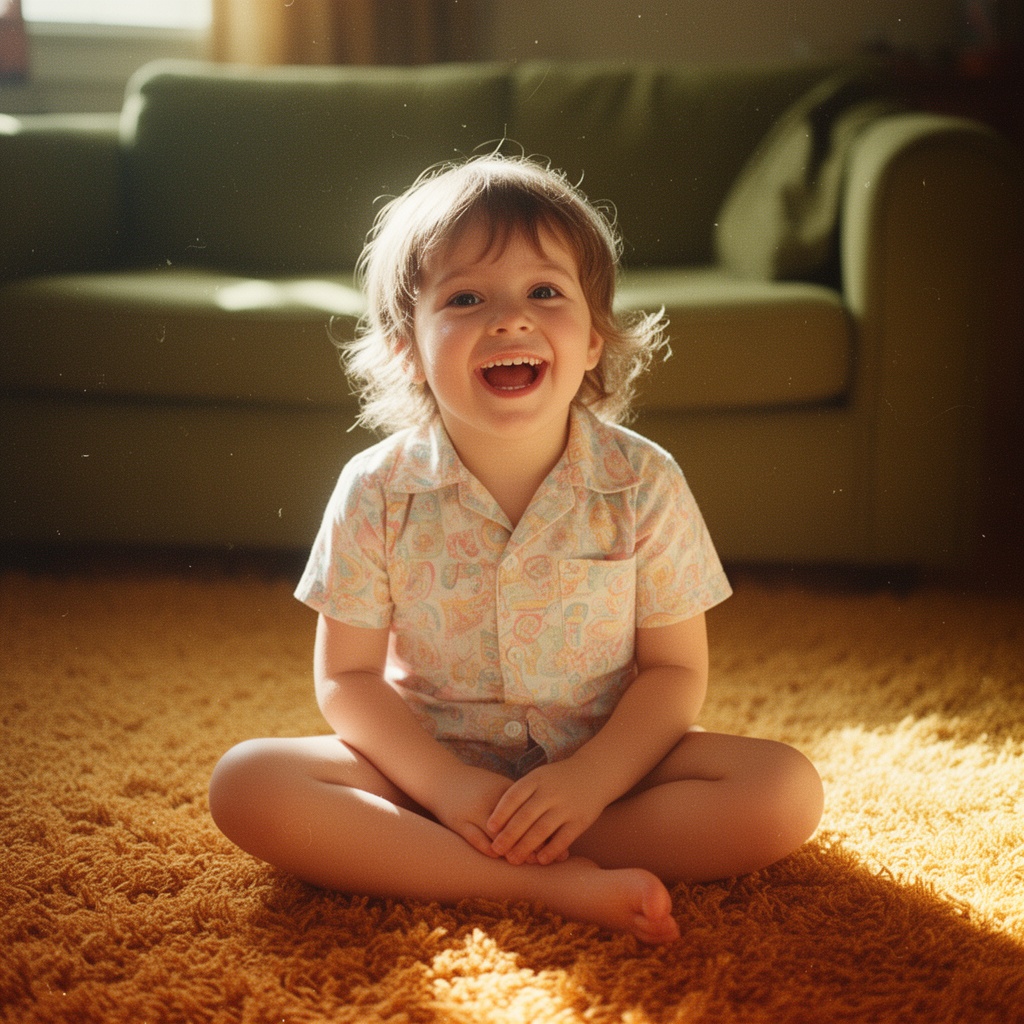
Natural light portrait
Skin texture · shallow depth of field · editorial photography style
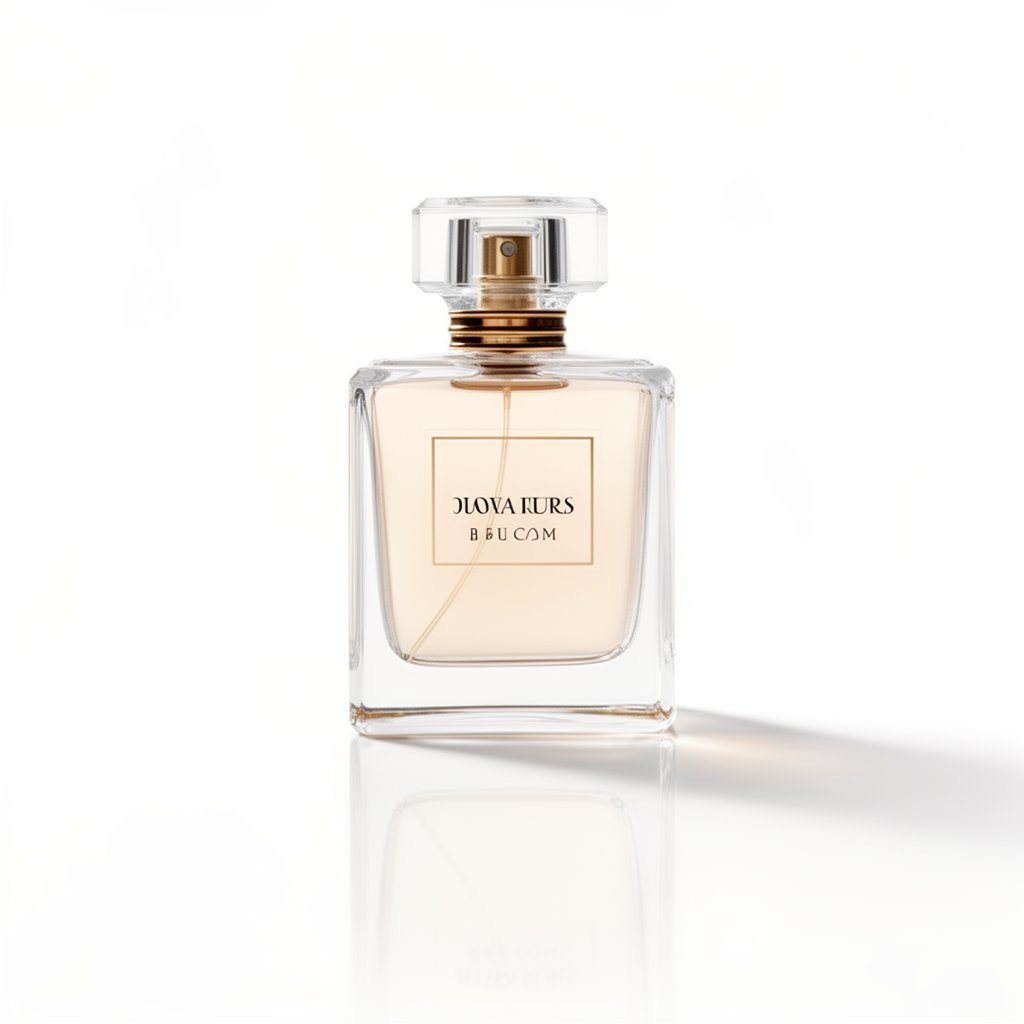
Studio product shot
Material accuracy · controlled lighting · commercial catalog style
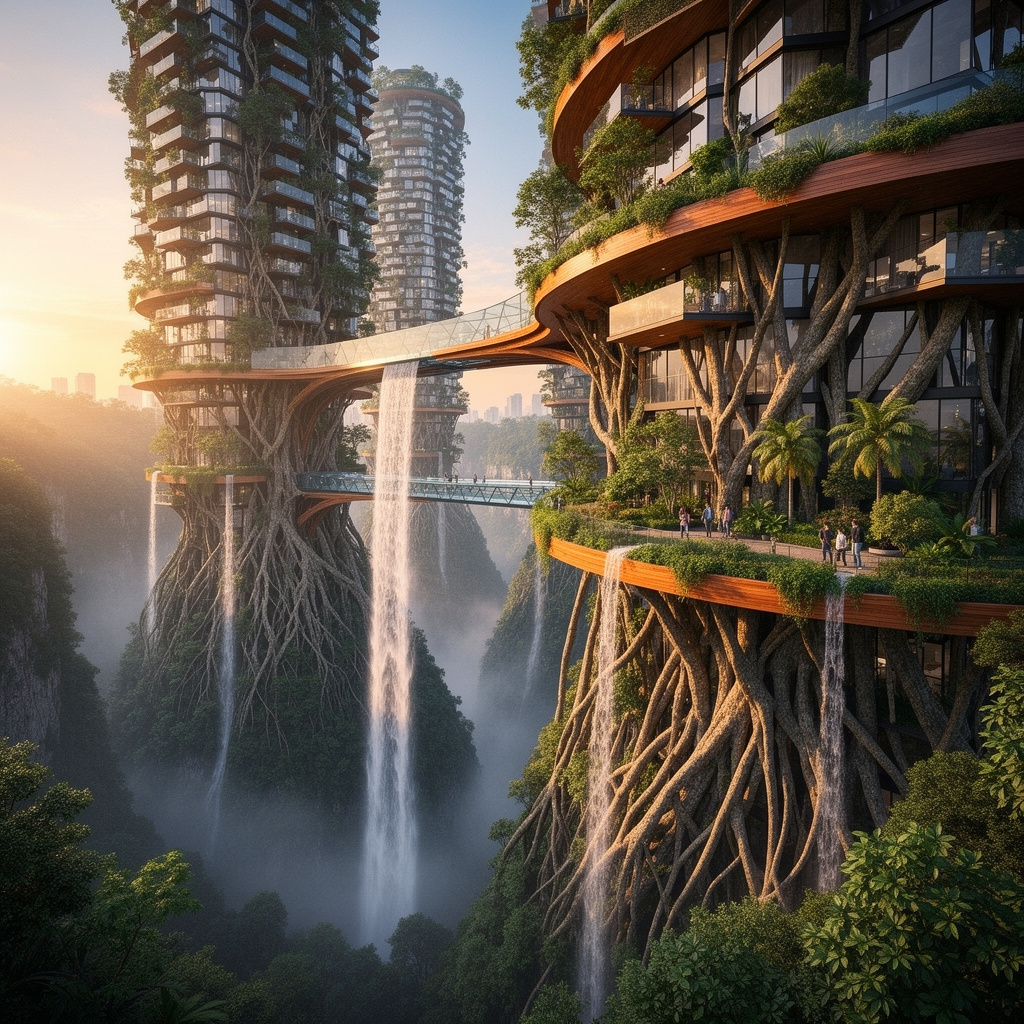
Cinematic environment
Atmospheric depth · volumetric light · widescreen composition
Use FLUX 2 in These Tools & Comparisons
AI Image Generator
Use FLUX 2 alongside GPT Image 2, Midjourney, and Nano Banana in one workspace.
Image to Image
Edit existing images with FLUX 2's reference-based transformation mode.
FLUX 2 vs Midjourney
Compare photoreal materials against Midjourney's artistic aesthetic.
GPT Image 2 vs FLUX 2
Reasoning-first accuracy vs optimized photoreal generation — side by side.
Frequently Asked Questions about FLUX 2
Technical questions about FLUX 2, answered plainly.